Field Service Software for Small Businesses
Small field businesses need software that works on day one without a project team. What to look for, what to skip, and how to switch without losing a working day.
A small field business (an owner, someone in the office and a handful of technicians) does not need enterprise software. It needs something that takes over from the whiteboard, the spreadsheet and the WhatsApp group on Monday and is still helping on Friday, with no consultant involved.
What small businesses actually need
- Jobs in one place, from the first call to done.
- Jobs assigned to technicians' phones, with a notification.
- Photos, notes and signatures on the job.
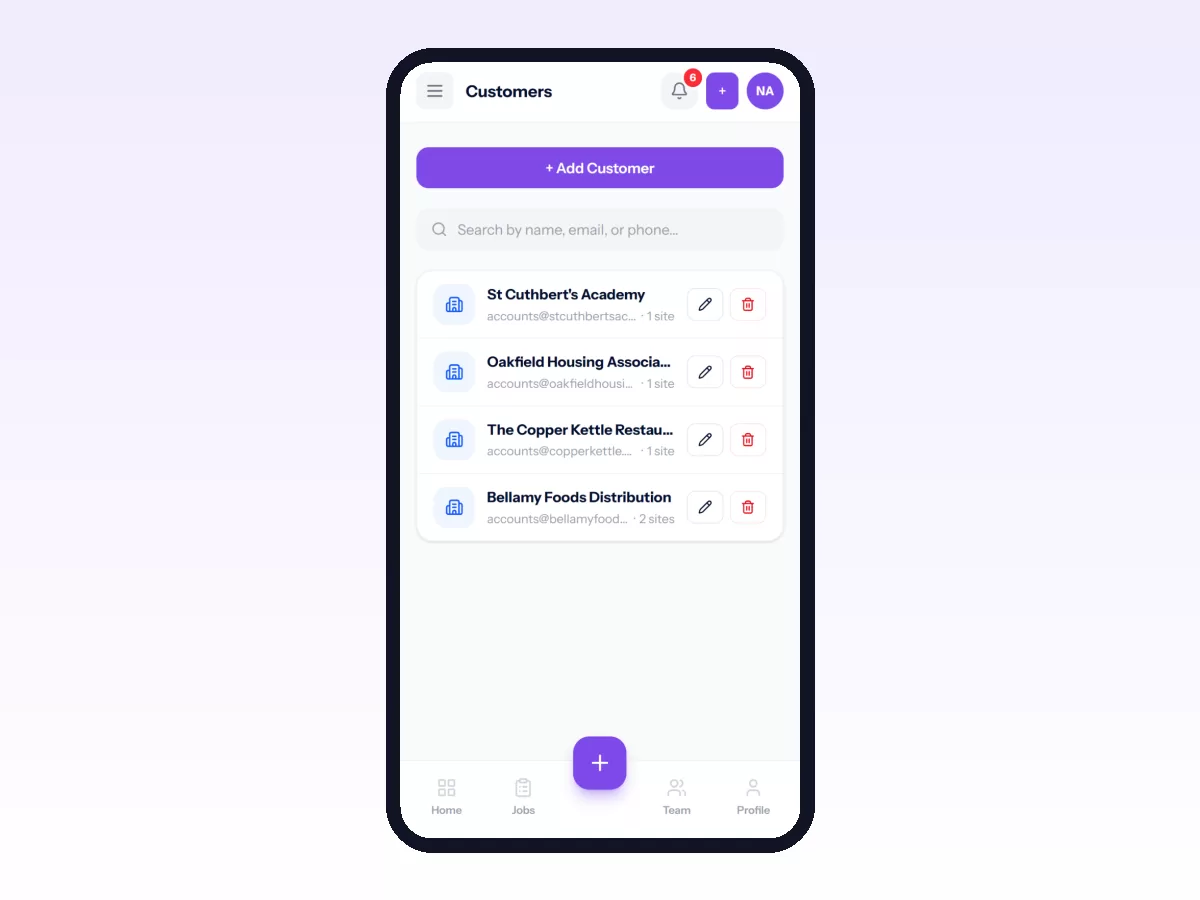
- Customers and sites, with their history.
- Attendance, so payday is not a guessing game.
- Nothing that needs training days.
What you can skip at first
- Complex workflows with a dozen statuses.
- Integrations you will not use this year.
- Advanced analytics before you have three months of data.
- Anything you cannot set up yourself in an afternoon.
You can add these later, but you cannot get back a month lost to a complicated rollout.
Questions a small business should ask
- Can I set it up myself, without a call with sales?
- Can I try it with real jobs first, with no card and no time pressure?
- Will my technicians use the app? Test it on their phones, not yours.
- Does it work without signal?
- Will it grow with us? You want recurring jobs, inventory, reports and HR when you need them, without switching systems.
- What happens to my data if I leave?
A one-week switch
- Day 1: add customers and set up one simple job workflow.
- Day 2: invite technicians and install the Android app with each of them.
- Days 3 to 5: every job goes through the app. Nothing else changes.
- End of week: stop sending jobs by WhatsApp.
For a longer version, see how to replace Excel and WhatsApp.
Mistakes small businesses make
- Buying for the business you might be in five years. Buy for now, with room to grow.
- Customising before using. Run it as it comes for a month first.
- Letting the owner be the only one who knows it. Train the office too.
In Movtro
Movtro is built so a small team can start on its own. You sign up, add customers, invite technicians and put real jobs through it the same day. The field app runs on Android and in any phone's browser, and works without signal. Jobs, dispatch, photos, checklists, signatures, customers, sites and attendance are there from the start, and recurring jobs, inventory, reports and HR are there when you grow into them. You can start free and see current plans on the pricing page.