ISP Installation Management: Order to Active Connection
For an internet provider, the installation is the customer's first impression. This covers running installations from order to active connection with fewer failed visits and quicker activations.
For an internet service provider, the installation is the customer's first real dealing with the company. A missed date, a technician who turns up without the right equipment, or a connection that works but runs slowly will colour the rest of the contract. Installation is also where most of the avoidable cost sits, in failed visits, repeat trips and late activations.
The installation workflow
- Order and feasibility. Can the address be served, and with which technology?
- Appointment. Agree a date and window the customer can actually keep.
- Survey, where needed. Plan the route for the drop cable, the entry point, and where the router or ONT will go.
- Installation. Run the drop, terminate it, and install the ONT or outdoor unit and the router.
- Activation. Provision the service and confirm sync and speed.
- Handover. Set up the Wi-Fi, connect the customer's devices and show them a speed test.
Why installations fail
- The customer is not home, or there is no access to the building's riser or roof.
- The landlord or building management has not given permission.
- The van has the wrong equipment.
- The infrastructure is not ready, for example no free port or a damaged duct.
- Activation is late, so the installation is finished but the service is not live.
You can catch most of these before the visit by confirming the appointment the day before, checking building access and checking that the port is reserved.
Evidence on every installation
- Photos of the drop route, entry point and termination
- Serial numbers for the ONT, router and outdoor unit
- Signal or light levels, and the speed test result
- The customer's signature
If a fault is reported a month later, this record tells the next technician exactly what was installed and how it tested.
Faults after installation
Most fault calls come in the first weeks after installation: loose connections, complaints about Wi-Fi coverage and equipment failures. Track faults by installer and by area, because the pattern shows where training or infrastructure needs work.
What to measure
- Installations completed on the first visit.
- Installations completed on the promised date.
- Time from order to active service.
- Fault calls within 30 days of installation.
In Movtro
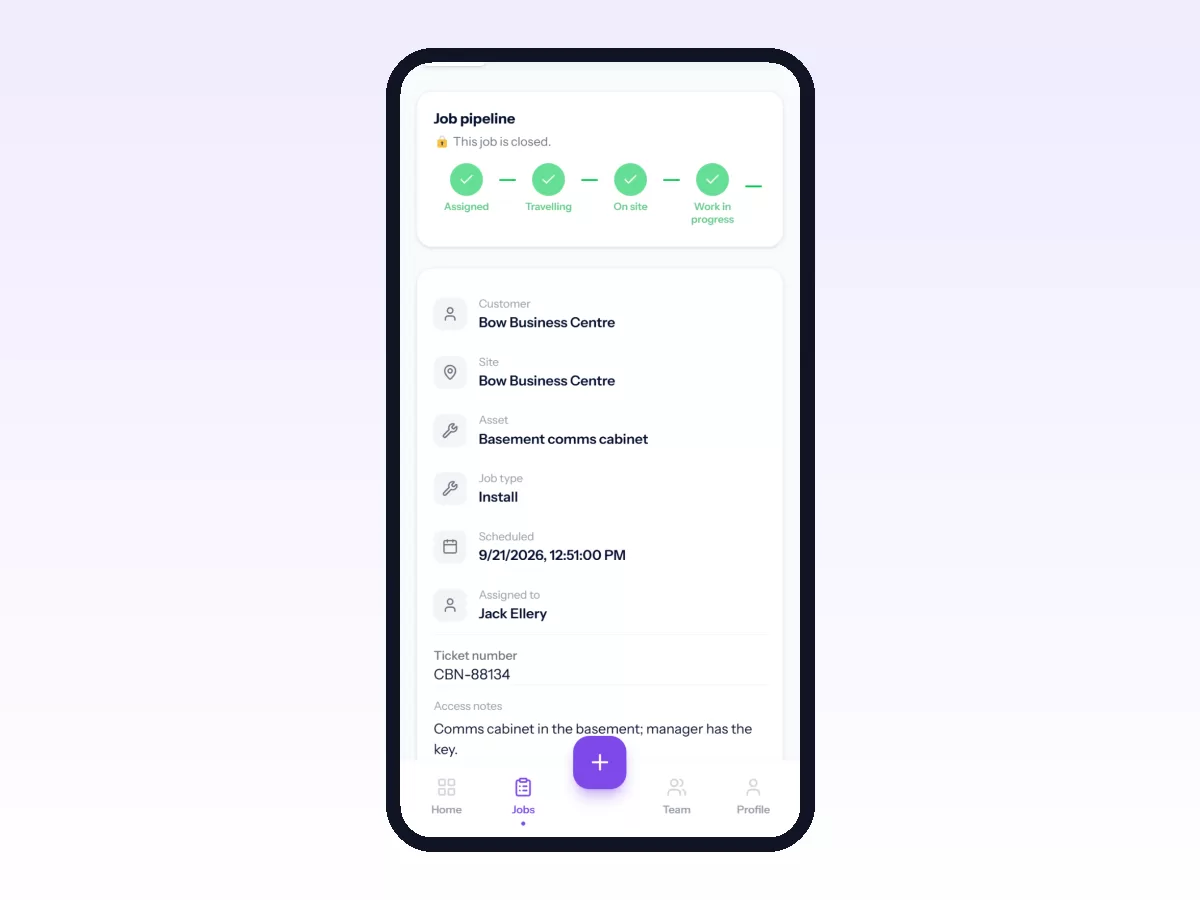
In Movtro each installation is a job at the customer's premises, with the appointment time, the installer and a checklist. Signal levels and speed tests are number questions with a unit and an expected range, so a result outside the range is flagged and raises a problem on the job automatically. Technicians photograph the route and termination and capture the customer's signature on their phone, with or without signal. ONTs and routers can be recorded as assets with serial numbers, so later faults come with the history. Premises carry access notes, and customers can report faults and follow jobs through the portal. Dispatch assigns work from one board, and routes can be planned stop by stop.
Movtro does not provision services or connect to network systems. Activation happens in your own systems.