Running a Smart Home Installation Business
Smart home installers handle surveys, installs spread over several visits, device setup and after-sales support. This covers how to organise that work, record every device and keep the customer in the loop.
Smart home installation mixes trades: electrical work, networking, AV, security cameras, access control, lighting and heating controls. One project can take several visits and several people, and it leaves dozens of devices in the customer's home that you will be asked about for years.
Break projects into visits
A smart home project is rarely one job. The usual stages are:
- Survey: rooms, network coverage, wiring, and what the customer wants.
- First fix: cabling and back boxes, often while other trades are on site.
- Second fix: devices mounted and connected.
- Programming and setup: scenes, apps and integrations.
- Handover: showing the customer how it all works.
Make each stage a separate job at the customer's site, with its own checklist and the right person assigned. The customer's record then shows the whole project.
Know what is installed
Record every significant device: hubs, cameras, access control panels, network equipment, thermostats and lighting controllers. Note the make, model, serial, room, install date and warranty for each one. When the customer calls in two years, you know what they have.
Keep network details safe
Wi-Fi passwords, device credentials and alarm codes are sensitive. Keep them out of job notes and photos, and store them in the customer's own password manager or your secure system.
Proof and handover
Photos of racks, cabling and installed devices protect you if another trade damages something later. At handover, record what you demonstrated and get the customer's sign-off.
After-sales support
A smart home business wins or loses its reputation on support calls. With device records and history to hand, a technician can often work out the fault before arriving. For customers on maintenance plans, book yearly check-ups for firmware updates, camera cleaning and battery replacements.
Keep customers informed
Smart home customers are often at work while you install. If they can follow the job's progress and see photos once it is done, most of the "how is it going?" calls stop.
In Movtro
In Movtro each stage of a project is a job at the customer's site with its own checklist, assignee, photos and notes, so the customer's record shows the whole project. Devices are assets with make, model, serial number, install date, warranty and documents, and each has its own job history. Recurring jobs schedule yearly check-ups for maintenance customers. Customers with portal access can follow progress, see photos and sign-off, and approve the finished work. Each job has one assignee.
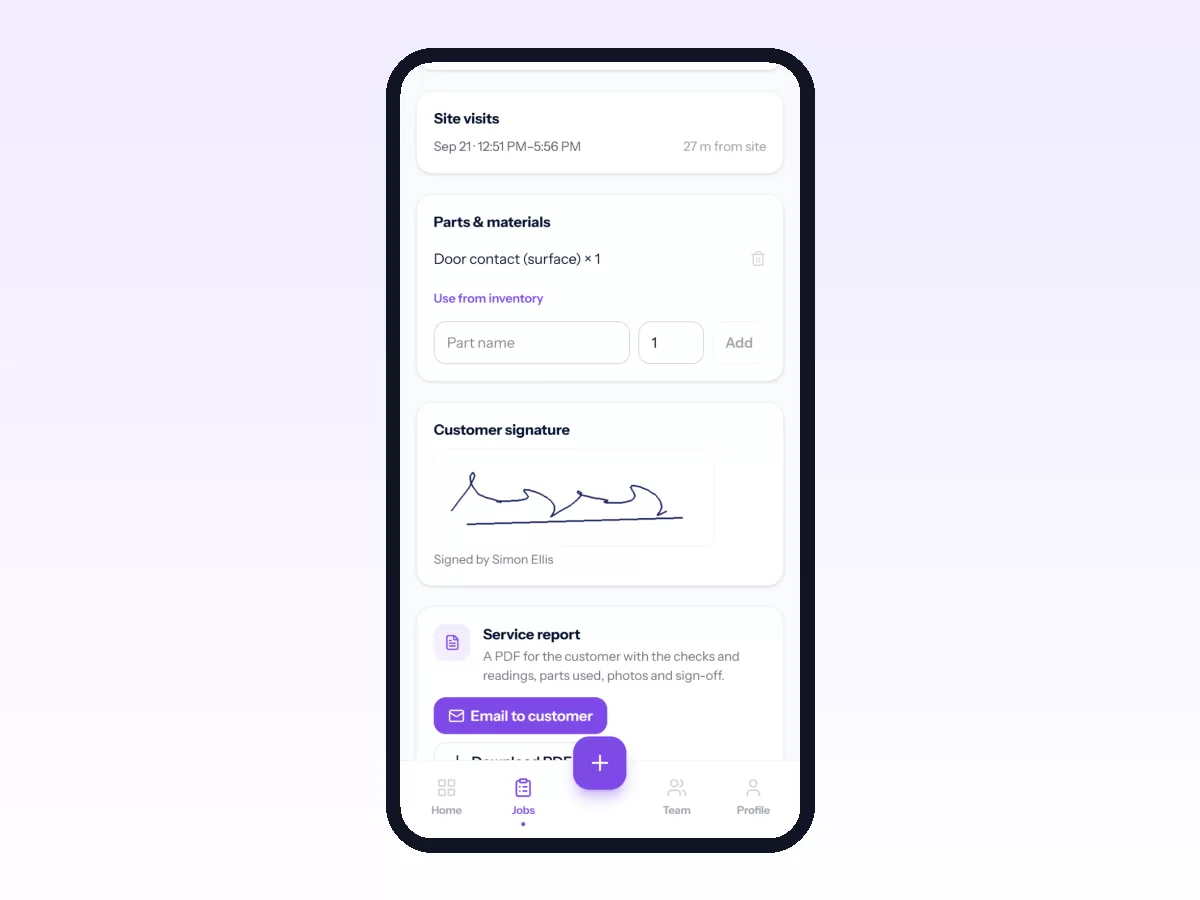
Movtro does not link jobs into a formal project with a budget or timeline, and it is not a place to store customer passwords.
Related reading: CCTV and security system installation, electrical contractors and the customer portal for field service. Or start free.