Field Force Automation: What to Automate First
Field force automation means handing the reminders, alerts and routine checks that fill a supervisor's day to the system. What to automate first, and what to leave to people.
Ask a field supervisor where their day goes and "managing" is rarely the answer. They ring people who haven't clocked in, chase jobs that have gone quiet, remind someone that their certificate runs out next week and forward the same report every Monday. Field force automation hands those routine checks to the system so people only have to deal with the exceptions.
Start with attendance
Attendance gives the easiest wins because the rules are clear:
- Missed clock-in reminders. If someone hasn't clocked in a set time after their start, remind them, and tell the supervisor if it keeps happening.
- Missed clock-out reminders. A shift still open at 10pm is nearly always a forgotten clock-out rather than overtime.
- Late alerts sent to one chosen person instead of the whole management team.
- Overtime calculated automatically from clock-ins instead of from memory at month end.
Then, jobs that go quiet
- A job stuck in one stage too long, such as in progress for six hours, or scheduled but not started by midday. Alert the supervisor.
- Critical jobs. When a high-priority job is created or changes state, notify the right people straight away.
- Problems reported in the field. When a technician reports a safety issue or a customer complaint, alert the supervisor, and escalate it if it stays open.
Then, the paperwork
- Certification expiry reminders a month ahead, to the person and their manager.
- Scheduled reports, such as the weekly jobs and workforce reports sent to managers every Monday.
- Customer approval requests when a job is finished and needs sign-off.
- Recurring visits created automatically from contracts so nobody has to remember them.
Keep humans on
- Choosing who to send to a difficult job. Let the system suggest and a person decide.
- Finding out why someone was late. An alert should open that conversation, not close it.
- Customer complaints. Automation can route them quickly, but a person should answer.
Rules for good automation
- Automate one thing at a time and watch it for a week.
- Send each alert to one owner. In a group, everyone assumes someone else will act.
- Aim for fewer, better alerts. If people start ignoring them, switch some off.
- Review what fired. A log of what each rule did shows whether it is helping.
In Movtro
Movtro's attendance policy sends reminders for missed clock-ins and clock-outs after a set time and late alerts to the people you choose, and it calculates overtime from clock-ins. Automation rules can react when a job changes state, when a job has stayed in the same state longer than a set time, when a reported problem changes, when a customer approves or rejects work, or when a certification is about to expire. Rules can filter on priority, stage, or problem category and severity. They can notify the assignee, supervisors or the reporter, escalate a problem, ask the customer for approval or generate a report. Every run is logged.
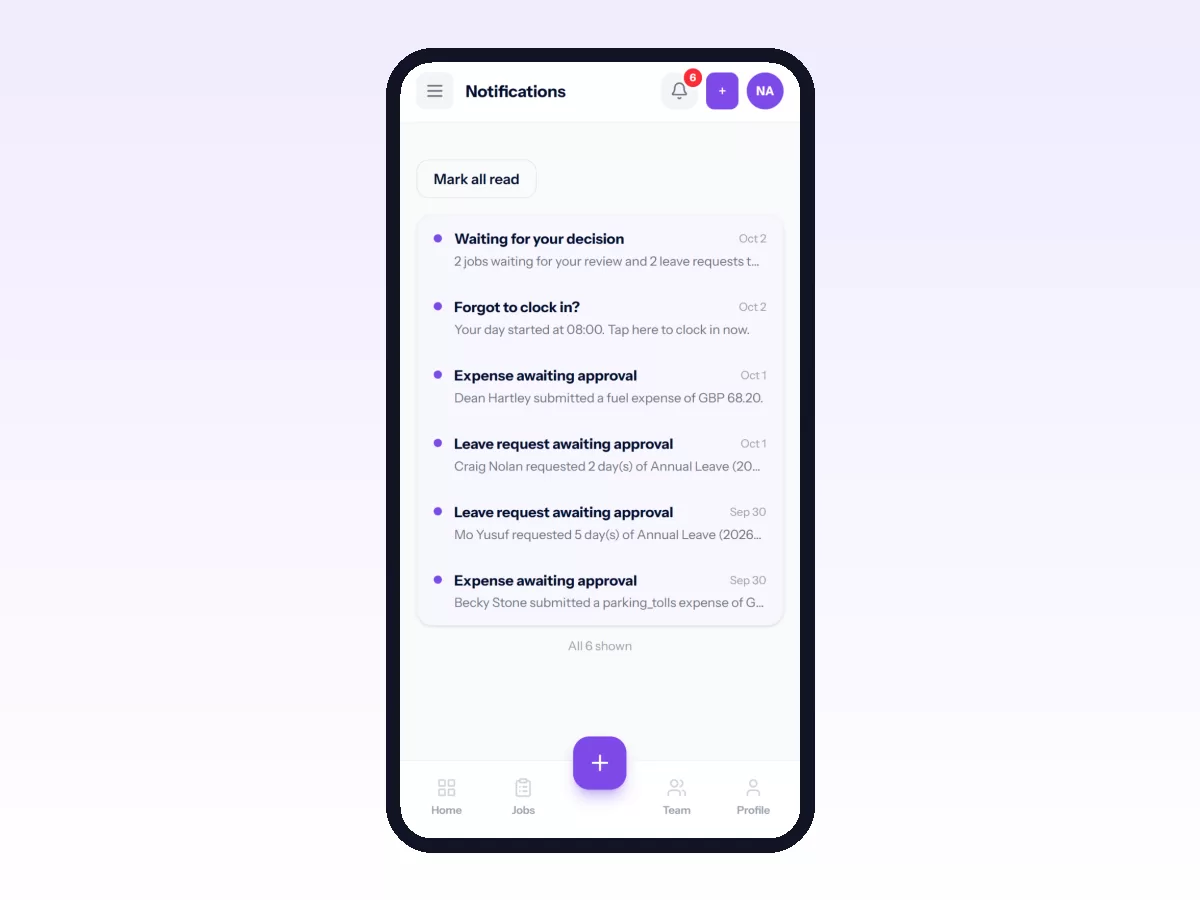
Scheduled reports and recurring jobs take care of the routine paperwork.
Related reading: field service automation, field employee attendance tracking and what is field force management?. Or start free.