How Movtro Pricing Works
Movtro is priced per user, with a free plan, a rate that drops as your team grows, and customer portal accounts that never count. This explains who counts as a user and how changes are billed.
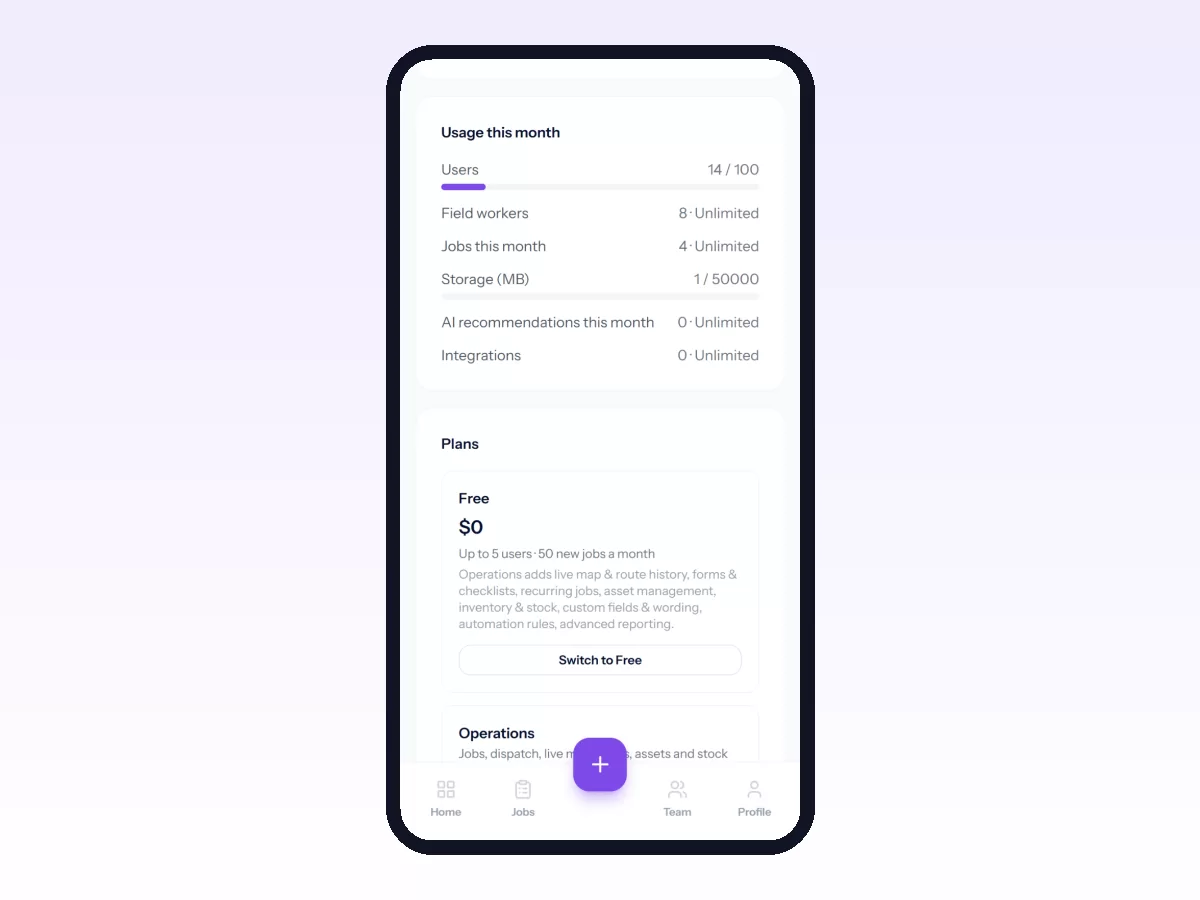
Movtro has a free plan and two paid plans, Operations and Operations + People. Paid plans have no per-job fees, customer portal accounts cost nothing, and there are no add-ons sold one by one. This page explains how the pricing works. For today's prices and exactly what each plan includes, see the pricing page, which is always up to date.
The plans
- Free has no card and no expiry, so it is a plan in its own right and not a trial. It covers what a small team needs: jobs and job stages, the dispatch board, the mobile app, GPS clock-in and attendance, the customer portal, tick and photo checklists, and leave, holidays and announcements.
- Operations is for running your field work on Movtro: unlimited jobs, the live team map and route history, typed checklists and forms, recurring jobs, assets, inventory, custom fields and your own wording, automation rules and advanced reporting.
- Operations + People has everything in Operations, plus what you need to pay your team: payroll, payslips, salary components, advances and expense claims, and HR reports.
- Enterprise is for larger teams and is priced for your situation. Every new company also gets a free trial of everything, so you can try the paid features on your own jobs before you decide.
How a paid plan is priced
Each paid plan has a base price that already includes your first few users. After that you pay for each extra person, at a lower rate for big teams. You can pay monthly or yearly, and yearly costs less.
People-only staff
Payroll has to cover everyone, including office, warehouse and sales staff who never take a job. On Operations + People, give those people the Employee (HR only) role. They can request leave, see their payslips, claim expenses, read announcements and clock in, but they can't be given jobs or routes, and each one costs much less than a full user.
Who counts as a user
A user is someone on your team who signs in to work: office staff, dispatchers, supervisors, technicians, HR.
- Customers do not count. Customer portal logins are free however many you add, so letting customers see their own jobs never costs you anything.
- People you have suspended or removed do not count.
- Invitations that have not been accepted yet do count toward your plan's limit, so the seat is kept for the person you invited.
Changing your team size
On a paid plan your bill follows your team. When you add someone you pay for them from then on, and when you remove someone you stop. If you change how many users you pay for, the difference for the rest of the current period is charged or credited straight away. If adding someone would take you past what your plan allows, Movtro tells you at the point you invite them instead of billing you without a word.
Prices in your country
Some countries have their own, lower prices, and you see them when you visit the pricing page from one of those countries. You are still charged in US dollars, and the price follows the country of your billing address.
Can't make the price work?
If price is the only thing stopping you (a charity, a new business, a very small team), talk to us. We can set a lower price for your company.
Monthly or yearly
You get the same product either way. Yearly costs less because you pay up front, and monthly gives you more flexibility.
Moving to a smaller plan
Nothing you created disappears. If your new plan no longer includes a feature, everything you already have in it stays visible; you just can't add new work in that area until you upgrade again. Moving from a paid plan to Free takes effect at the end of the period you have paid for, and nothing more is charged.
Larger teams
Larger teams often need onboarding, data migration, a security review or invoicing terms that a checkout page cannot handle. We arrange those directly, outside the self-serve plans: talk to us.
Starting
You can run real jobs on the free plan. A dispatcher and a couple of technicians can put a week of work through it and see whether it fits. Start with your first job workflow, or read the practical guide to field service management software if you are still comparing options. Related: How to Change Your Plan and Billing Details