HVAC Dispatch Software: Getting Through Peak Season
When the first heatwave hits, HVAC dispatch stops being a schedule and becomes triage. This covers what dispatch software has to do on those days and how to set it up before summer.
HVAC dispatch is easy in April and brutal in June. The first hot week turns a tidy schedule into a queue of "no cooling" calls, every customer is urgent and the phone never stops. Those are the days HVAC dispatch software has to cope with, so judge it on them.
Triage first
Some calls on a hot day are more urgent than others. Agree the priorities before the season starts and apply them the same way every time:
- Critical: no cooling where health or business is at risk, such as elderly customers, server rooms, clinics and cold stores.
- High: no cooling in homes and offices.
- Normal: reduced cooling, noise, or leaks that are not causing damage.
- Low: servicing, quotes and follow-ups that can wait a week.
If maintenance-contract customers get a faster promise, build that into the priority so it doesn't depend on the dispatcher remembering.
Send the right technician
On peak days it is tempting to send whoever is free, and that leads to repeat visits. Match on:
- skills, because split units, VRF, chillers and ducted systems need different people;
- certifications, because refrigerant handling and electrical work need current certificates (track expiry dates and get reminders before they lapse);
- location, sending the nearest suitable technician to critical calls;
- workload, spreading the day so nobody is carrying twelve open jobs.
See the whole day on one board
The dispatcher needs a single view of what is unassigned, who is doing what and which jobs are running late. Technicians update the job from their phone (travelling, arrived, in progress, completed), which keeps the board accurate without phone calls.
Parts on the van
Most HVAC repeat visits come down to parts: a capacitor, a contactor, refrigerant. Keep stock by location, including each van, and record parts used on the job so the van is restocked before it runs out. Check the asset's history before you send someone. If this unit had the same fault last month, send the part.
Keep customers informed
On peak days, "when is the technician coming?" calls can take up a dispatcher's whole morning. Showing customers the job's status, and the technician's location while travelling, stops most of them.
Protect maintenance work
Maintenance visits get cancelled in peak season, and that is where next year's breakdowns start. Keep contract visits on a schedule, move them instead of deleting them, and watch what is overdue.
In Movtro
In Movtro, jobs carry a priority (low, normal, high or critical) and show on the dispatch board alongside unassigned work. When you assign a job, Movtro suggests a technician based on matching skills and proficiency, workload, availability and travel time from live location. Certifications are recorded with expiry dates and a reminder before they lapse. The suggestion does not check certifications, so filter by skill for regulated work.
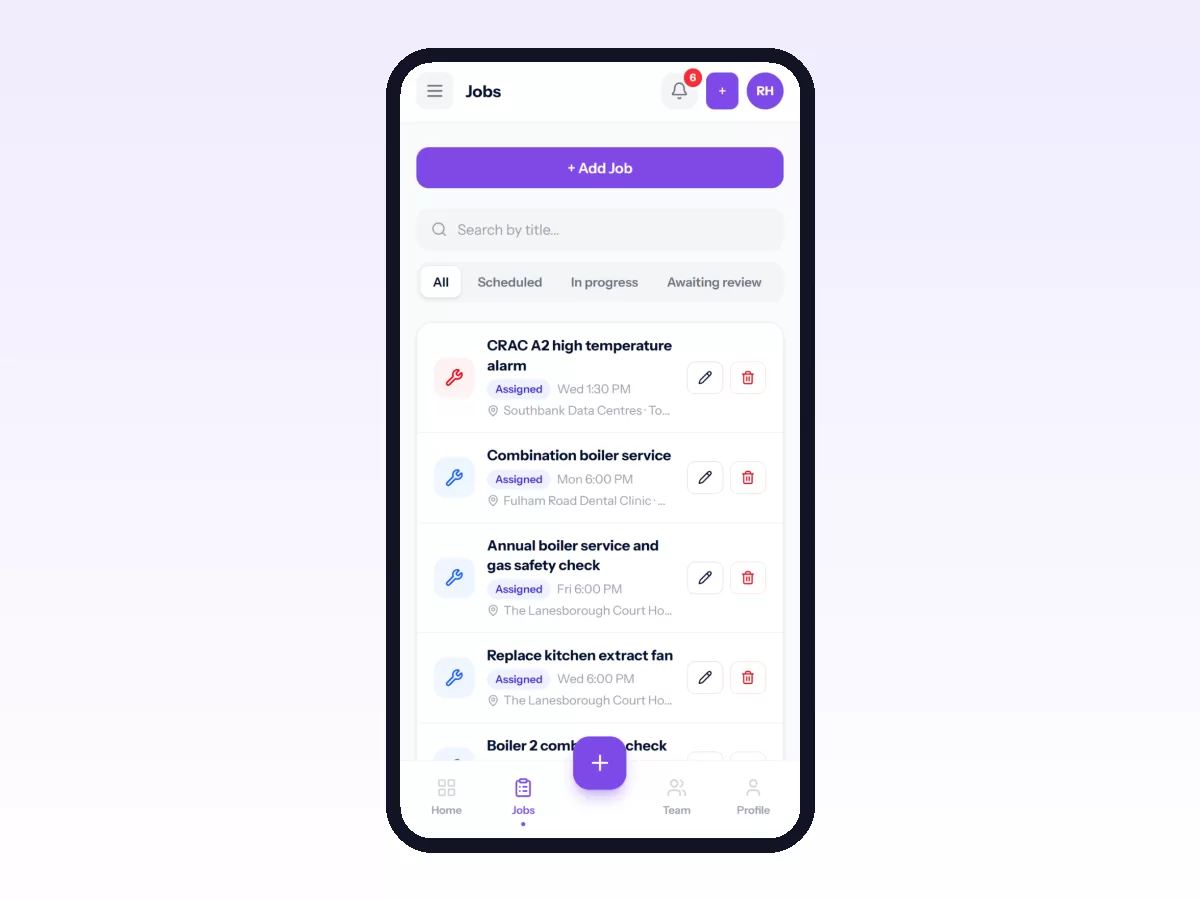
Technicians move jobs through stages on their phone, without signal too, and the customer portal shows progress and the technician's location while travelling. Stock is kept by location and parts used come off stock. Each unit has its service history, and recurring jobs keep maintenance contracts on schedule, with overdue visits flagged.
Related reading: HVAC field service management, technician dispatch best practices and HVAC maintenance agreements. Or start free.
Related: HVAC Technician Certifications and Skills: Keeping Track · HVAC Parts and Van Stock Management