Payroll for Field Staff: Paying From Real Attendance
Field payroll goes wrong where attendance, overtime, leave and expenses meet. How to run it from what was actually recorded, review it, and issue payslips people trust.
Field payroll is harder than office payroll because the inputs are scattered. Attendance is on phones or paper, overtime is in messages, leave is in someone's memory, expenses are receipts in a glovebox and salary advances are a note in a notebook. Every month someone gathers it all, re-types it and hopes it is right.
A better spreadsheet will not fix that. Payroll needs to read the records your team already makes.
What goes into a field employee's pay
- Base salary for the period.
- Allowances for transport, mobile, meals or sites.
- Overtime, worked out from actual hours against your rules.
- Deductions for unpaid leave, and possibly for unrecorded absence.
- Expense reimbursements, where you pay them through payroll.
- Advance repayments, deducted in instalments.
- Tax and other deductions.
Each of those comes from a different record, and payroll goes wrong wherever one of them is re-typed.
The run, step by step
1. Close the attendance
Start by checking the month's attendance for missed clock-outs, days with no record and corrections. Fix them now rather than after payslips are issued. See field employee attendance tracking.
2. Turn attendance into pay inputs
For each person, work out the working days in the month, days worked, paid and unpaid leave, absences and overtime hours. This is the snapshot payroll will use, and HR should review and approve it as a separate step.
3. Calculate
Base, allowances and overtime make gross pay. Deductions, advance repayments and tax come off, and reimbursements are added. Every line should be visible so anyone can see why a figure is what it is.
4. Review and adjust
Add one-off bonuses, corrections or a manual tax adjustment, each with a note so the reason is kept.
5. Approve, lock and issue
A second person approves. Locking the run freezes it and issues payslips. After that, any change needs a deliberate unlock with a reason rather than a quiet edit.
6. Pay
Record when the money actually went out.
Rules to decide once
- Working days: which days of the week count.
- Overtime: when it starts, and at what rate.
- Absence: is a day with no attendance record deducted, or only approved unpaid leave?
- Expenses: reimbursed separately, or through payroll.
- Who approves, and who can unlock.
Why it matters to field staff
People who never visit the office judge the company partly by their payslip. One they can open on their phone, with every line explained, builds trust, and one they cannot follow breeds suspicion. Most payroll disputes are about a line nobody could explain.
In Movtro
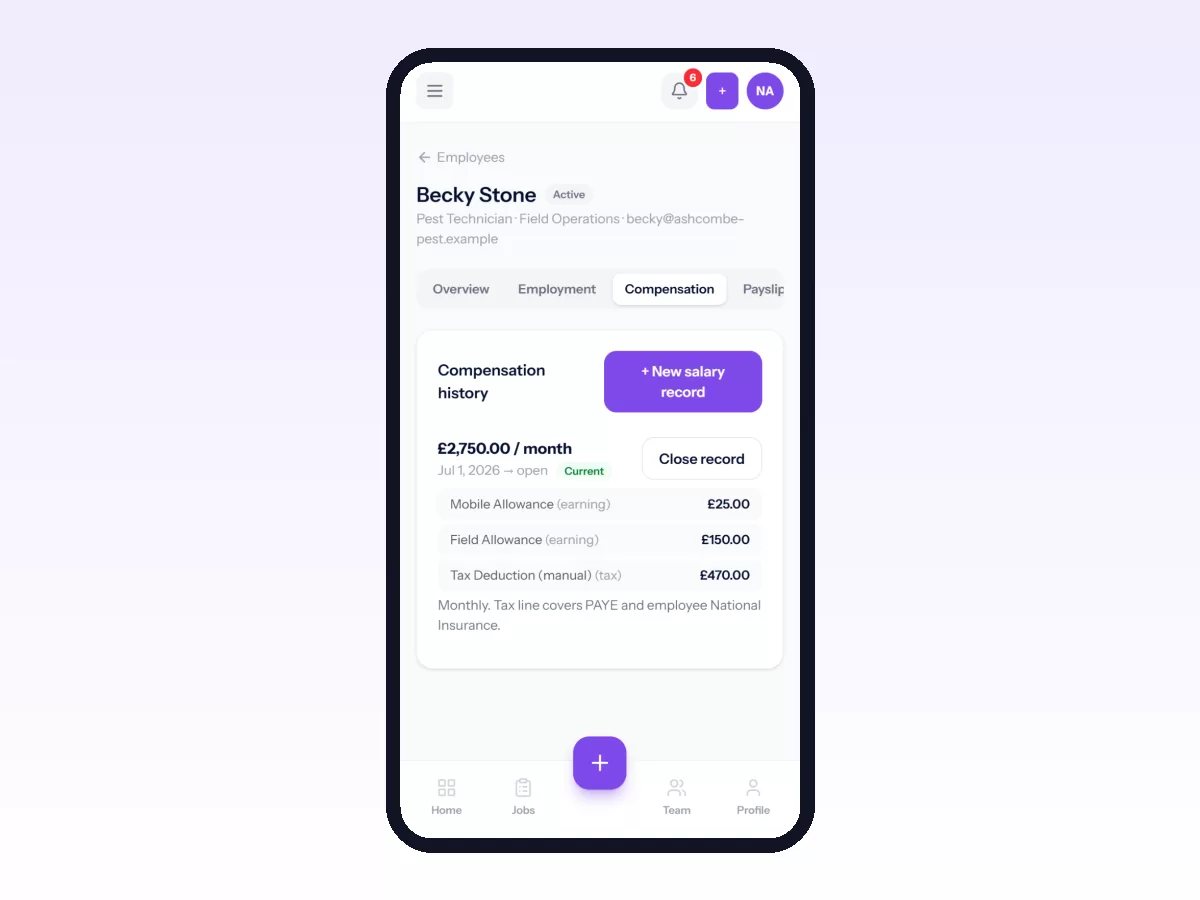
Movtro's HR module runs monthly payroll from the records your team already makes. Attendance from the app becomes each person's worked days, overtime and absences for the period, and HR reviews and approves these before they affect pay. The run brings together base salary, recurring allowances and deductions, overtime at your multiplier, unpaid leave, expense reimbursements, advance instalments and a tax deduction line that HR enters, and it shows every line. After approval, locking the period issues payslips, which employees open in the app and can download as a PDF. Unlocking needs a reason and is recorded.
There are limits. Payroll runs monthly, Movtro does not calculate statutory tax or file returns, and it does not send bank payments; you record when salaries were paid.
Payroll, payslips, advances and expense claims come with the Operations + People plan.
See time and attendance for field teams and expenses, reimbursements and advances, or start free.
Related: How to Run Payroll and Send Payslips