How to Manage a Distributed Field Workforce
When your team is spread across a city or a country, you cannot manage by walking the floor. These are the routines, records and habits that keep a distributed field workforce working as one team.
In a distributed field workforce most people rarely see the office. Think of technicians spread across a city, inspectors covering a region, or crews on a different site every week. The manager cannot see the work, so everything rests on routines and records.
The four things that break first
- Starting the day. Who is working, and where are they starting from?
- Knowing where work stands. Which jobs are done, which are stuck, and why?
- Handling problems. A job gets blocked at 11am and nobody hears about it until 6pm.
- Paying people correctly. Hours, overtime, leave and expenses all come from people you did not see.
Once these four are sorted, the rest is much easier.
1. A clear start of day
- Everyone clocks in from their phone, wherever they start. The clock-in records location, so "I was at the site at 9" can be checked.
- Each person has set working hours, so lateness is worked out the same way every time and nobody argues about it.
- Reminders go out when someone forgets to clock in or out, so a supervisor does not have to ring round.
- The day's jobs are on each person's phone before they start, instead of arriving one at a time on WhatsApp.
2. One place where work stands
Jobs should move through the same stages for everyone: scheduled, assigned, travelling, in progress, completed. When a technician moves a job on from the phone, the office sees it without having to call.
Give supervisors a single view of their team showing who is clocked in and since when, what each person is working on now, and what is overdue.
3. Problems surface in minutes
Field staff should be able to report a problem against the job when it happens, whether it is no access, a part that is unavailable, a customer complaint or a safety issue. Each report needs a severity and an owner. Go through unresolved problems every morning.
Use direct messages for conversation, and put decisions on the job record so people can find them later.
4. Pay from the same records
Hours, overtime and lateness should come from the clock-ins. Leave comes from approved requests, and expenses from receipts submitted on the phone and approved in the system. When payroll uses the same records as operations, nothing has to be typed again and there are fewer disputes.
Habits that hold it together
- A weekly one-to-one by phone or in person, with the numbers as a starting point for the conversation and not a verdict.
- Written rules on working hours, the grace period, and what location is recorded and when.
- Recognition for keeping good records as well as for speed.
- An occasional ride-along, because no system shows everything.
In Movtro
Movtro gives a distributed team one system for the day. Staff clock in and out with location, even without signal, under an attendance policy with grace periods and overtime, and there are reminders and alerts for missed clock-ins. Jobs are on the phone, and the office sees each stage as it changes. Problems are reported on the job with a category and severity, and there is in-app messaging.
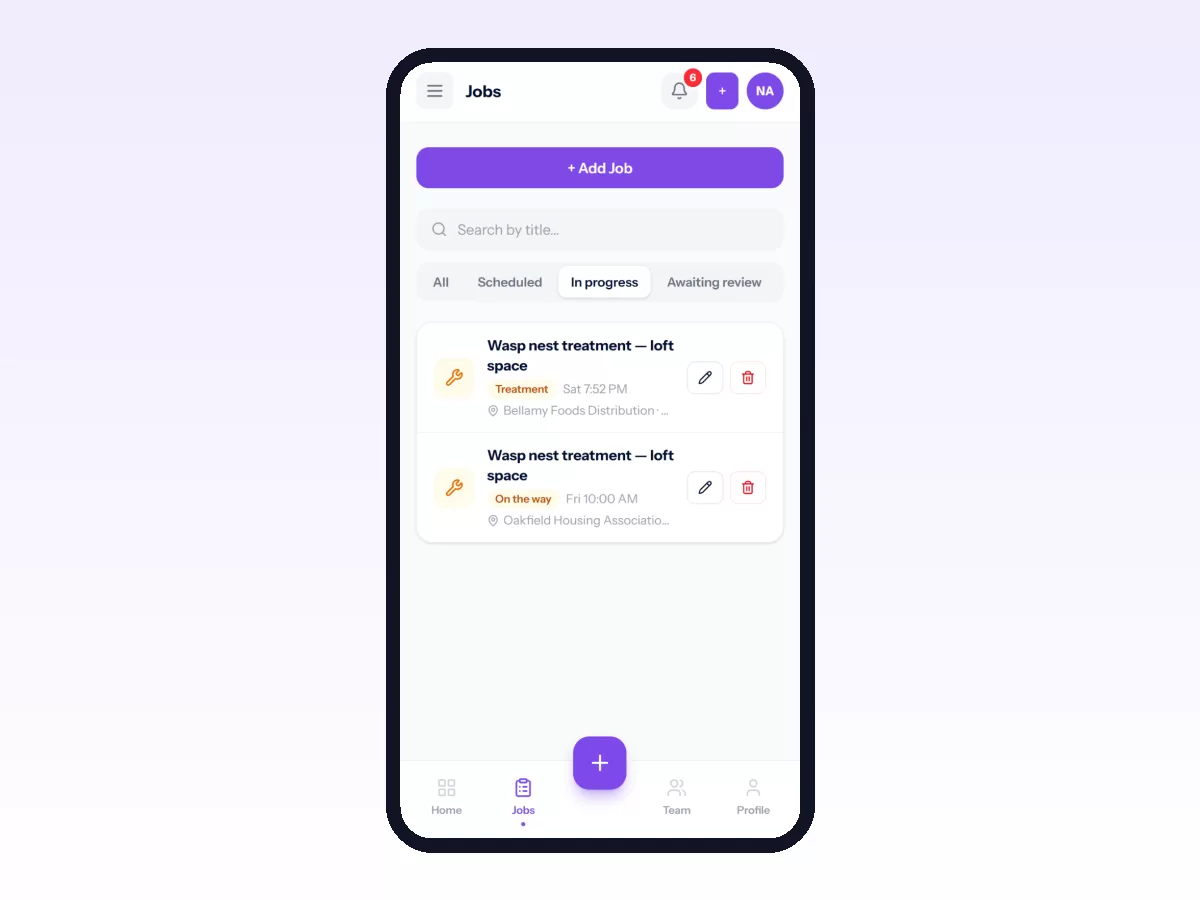
Supervisors get a team view of who is clocked in, what each person is working on and what needs attention. Leave, expenses, advances and monthly payroll run from the same records.
Related reading: what is field workforce management?, field employee attendance tracking and daily field reports managers actually read. Or start free.