Route Optimization for Field Teams: Cutting Drive Time
Travel costs you in distance, duration and fragmentation, and each is a separate problem. Five practices that cut drive time, the measurements worth keeping, and what routing software can't fix.
In most field operations, drive time is the biggest block of hours nobody can bill for, and most teams treat it as fixed. A good share of it comes from how jobs are grouped and ordered, which is a decision you make.
Where the time actually goes
Before you optimise anything, separate the three costs that sit inside "travel".
Distance is the kilometres themselves: fuel, wear and tolls.
Duration is the clock time, and it varies enormously with traffic. The same route at 07:30 and at 17:30 is effectively two different jobs.
Fragmentation is the cost of crossing your service area more than once in a day. It does the most damage, and route planning fixes it most cheaply.
A technician doing four jobs in one district drives less than one doing the same four jobs spread across the city. That holds even when the total distance looks similar on paper, because the scattered day is all fragmentation.
Five practices that reduce drive time
1. Cluster before you sequence
Group jobs by area first, then put them in order within each group. Getting the sequence perfect on a badly clustered day is effort spent in the wrong place.
The limit is what you've promised the customer. A job with a tight response window may have to break the cluster, and that's fine as long as you chose to make that trade. See technician dispatch best practices.
2. Anchor the day at both ends
Schedule the first job nearest to where the technician starts and the last one nearest to where they finish. Commutes are drive time too, and most schedules hide them because nobody counts them.
3. Schedule around traffic
If two jobs are in opposite directions and one is flexible, send the technician earlier in whichever direction gets bad at rush hour. Traffic-aware routing lets you check that decision instead of relying on instinct.
4. Stop planning the whole day at 08:00
Days change. A route planned once in the morning is out of date by mid-morning, after an emergency comes in and one job overruns. Re-optimising the rest of the route after a disruption recovers more time than a perfect plan at the start.
5. Make the technician's navigation one tap
If a technician has to copy an address into a maps app, they'll do it at the wheel or not at all. Each stop should hand straight off to navigation, with the site's real access details attached. The gate code matters as much as the postcode.
The measurements worth keeping
- Travel as a percentage of the working day. This is the main number; follow the trend rather than the daily figure.
- Jobs per technician per day, which rises as drive time falls.
- Distance per job, which shows fragmentation that a total distance figure hides.
- Arrivals within the promised window. Cutting drive time by breaking promises to customers isn't a saving.
Measure for a fortnight before you change anything. Without a baseline you can't tell an improvement from a quiet week.
What routing software can and cannot do
Routing software can put stops in a sensible order, account for traffic, handle several stops in one route, recalculate after a disruption, and give the technician navigation with the site details attached.
It can't fix a schedule that ignored geography when it was built, and it can't create capacity. If your technicians really are full, better routing saves minutes and won't free up room for more jobs. The bigger gains usually come from clustering when you schedule, before routing comes into it at all.
In Movtro
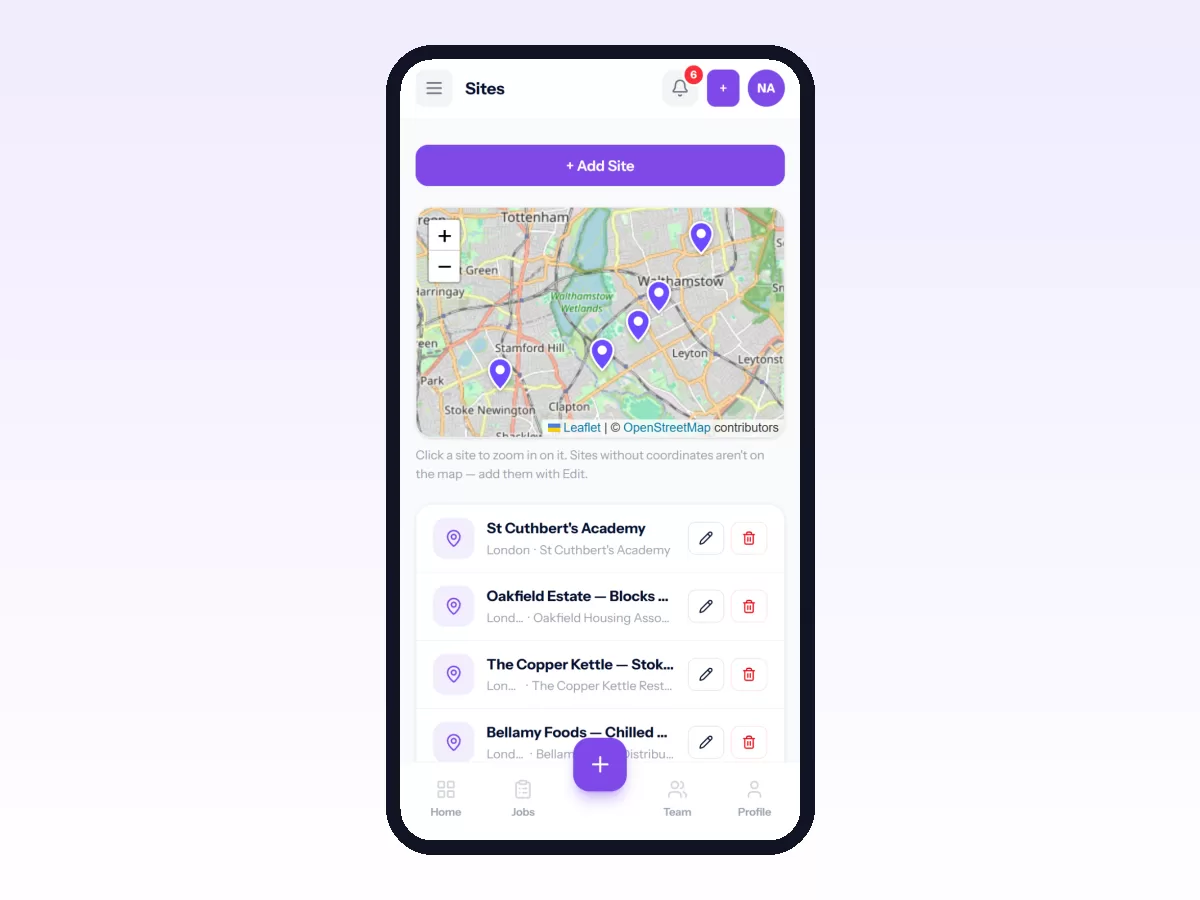
In Movtro, dispatch can build a route with several stops, reorder them by hand and see an estimated travel time for each leg. The estimate uses straight-line distance at an average speed, so use it as a planning guide and don't expect a traffic forecast. Each stop opens in the technician's own maps app with the site's access notes alongside. If your organisation turns on live location, the office can see where the crew is, and every visit records how far from the site it started. When a job overruns, dispatch can reorder the remaining stops on the dispatch board. Movtro does not yet optimise routes automatically or use live traffic.
With the customer portal as well, the customer sees the arrival window move and doesn't need to ring and ask, which takes away the other cost of running late.
To get the basics right first, start with your first job workflow.
Related: Technician Scheduling: Skills, Availability and Travel · Sales Rep Route Planning: A Practical Guide · How to Plan a Technician's Route