How to Digitize Field Operations in 30 Days
A four-week plan for moving a field team off paper, spreadsheets and WhatsApp and onto one system, without stopping work or turning the field team against it.
Most field businesses go digital the wrong way. They pick a big launch day, switch on every feature at once, and by week three the team has drifted back to WhatsApp. The ones that make it work go in small steps, and each step makes somebody's day easier.
This 30-day plan works for teams from ten people to a few hundred.
Before you start: decide what "done" means
Write down three things you want to stop doing, for example ringing technicians to ask where they are, typing up paper job sheets, or working out overtime from WhatsApp messages. Those are how you will measure success.
Choose one owner inside the business, usually an operations manager, and give them the time to do it.
Week 1: set up the basics
- Your company, working hours and attendance rules: start time, grace period, overtime.
- Your job workflow, meaning the stages a job goes through from scheduled to completed. Keep it short.
- Your main customers and sites, with addresses and access notes. Begin with the ones you visit most and add the rest as work comes in.
- Job types and checklists for your three most common jobs.
Don't try to model every exception. Week 2 will teach you more than any planning meeting.
Week 2: pilot with one team
- Pick a keen supervisor and a crew of four to eight people.
- Install the app on their phones together, in person, and run one practice job.
- For two weeks, this team's jobs go through the system and nowhere else. The office stops sending them job details on WhatsApp.
- Everyone clocks in and out on the phone.
Check in every day and fix whatever annoys people, whether that's a checklist that runs too long or a stage nobody uses.
Week 3: roll out attendance and jobs to everyone
- Train the rest of the team in small groups, with the pilot crew helping.
- Switch everyone's attendance over on a Monday. Keep paper as a backup for one week, then drop it.
- Put all new jobs into the system. Jobs already in progress can finish the old way.
- Start a morning check of who hasn't clocked in and which jobs are overdue.
Week 4: close the loop
- Run your first report: jobs completed, on-time rate, and hours and overtime per person.
- Set up the customer portal for one or two friendly customers.
- Move leave requests and expenses into the system.
- Hold a short review with the team about what is better and what still annoys them.
What to leave for month two
Leave payroll from attendance, recurring maintenance visits, stock and parts, and automation until later. Each of them is easier once the basics are a habit.
Why this works
People accept a new system when it takes away something they dislike, such as calls asking where they are, paper they have to fill in twice, or arguments about hours. If you start with those, people will use it.
In Movtro
Movtro handles every step of this plan in one system: attendance rules with grace and overtime, a configurable job workflow, customers and sites with access notes, checklists, an Android app and mobile web that both work without signal, reports, a customer portal, leave, expenses and payroll.
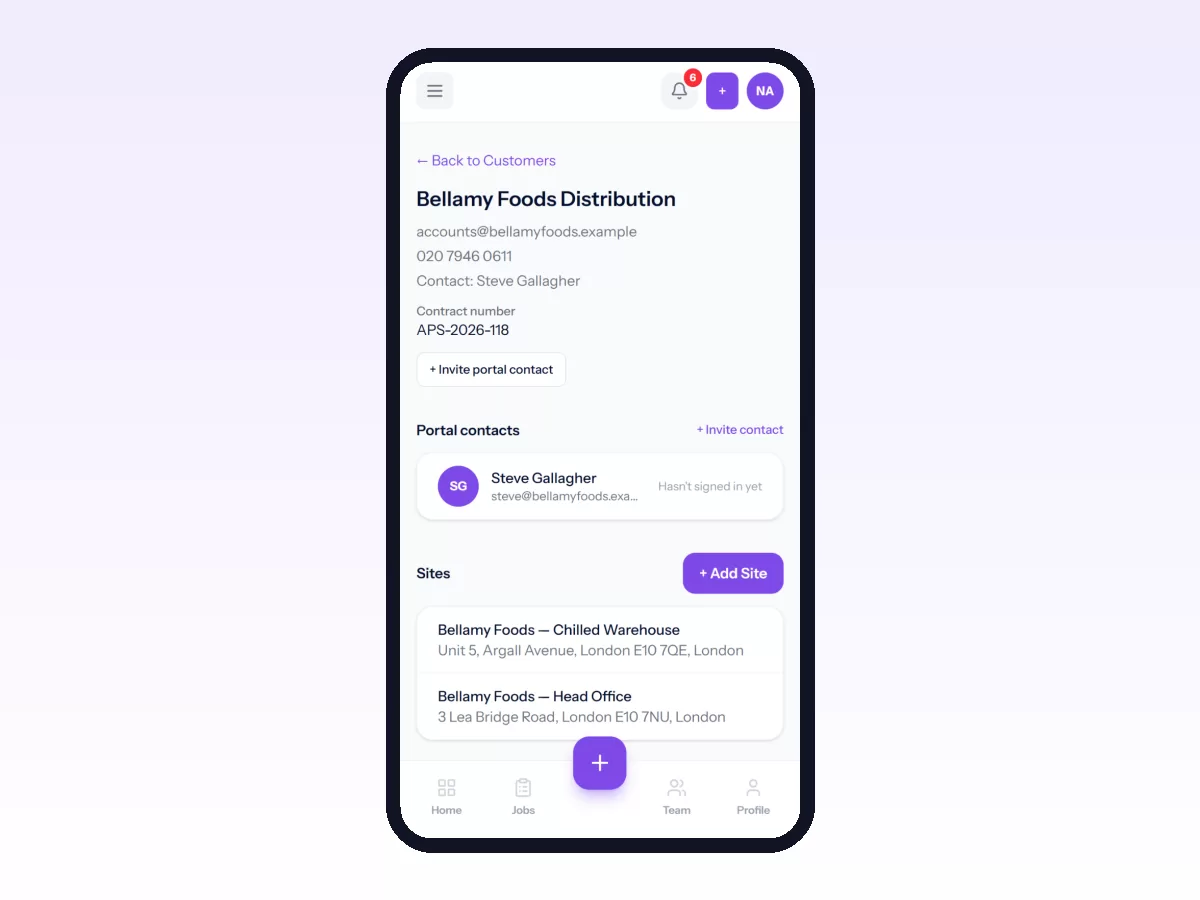
There is no spreadsheet import yet, so you add customers and sites in the app. Most teams add the ones they are visiting this month and the rest as jobs come in.
Related reading: how to replace Excel and WhatsApp, setting up your first job workflow and inviting your team. Or start free.
Related: How to Add Customers and Sites, With Access Notes · How to Set Up the Attendance Policy