Field Service Reporting: Reports People Actually Use
Most field service reports are produced, emailed and ignored. Which reports matter, who each is for, and how to make them drive decisions.
Most field service businesses have more reports than decisions. A spreadsheet goes out every Monday, one person opens it, and nothing changes. Good reporting starts from the decision you need to make and works back to the data.
Four reports that matter
The jobs report
This shows what was done, what is open, what is late and what is stuck over a period. It tells operations managers whether the team is keeping up and where work is piling up. Run it weekly.
The workforce report
This is per person: jobs completed, time on jobs against time worked, on-time performance and attendance. Supervisors use it weekly or monthly to see who is overloaded, who is underused and who needs support. It should never be the only basis for judging someone.
The customer report
Per customer, it covers jobs, response, repeat visits and open issues, so account managers can see which customers are being served well and which are at risk. It is also worth sharing with the customer.
The asset report
For each piece of equipment it lists visits, faults, parts, age and warranty. Maintenance managers use it quarterly to decide what should be replaced rather than repaired.
Making reports useful
- Start from a question rather than from whatever data is available.
- Keep them short. Five numbers someone acts on are worth more than fifty they skim.
- Show the trend as well as this week.
- Send each report on a schedule to the person who can act on it, so nobody has to remember to pull it.
- Break averages down, because a team average hides the one technician or job type driving it.
Numbers worth watching
First-time fix rate, on-time performance, backlog, utilisation, repeat visits and cost per job. See field service KPIs.
Data quality comes first
Reports are only as good as what the field records. If technicians do not update job stages, clock in or log parts, the reports are fiction, so fix the recording habit first. See work order management.
In Movtro
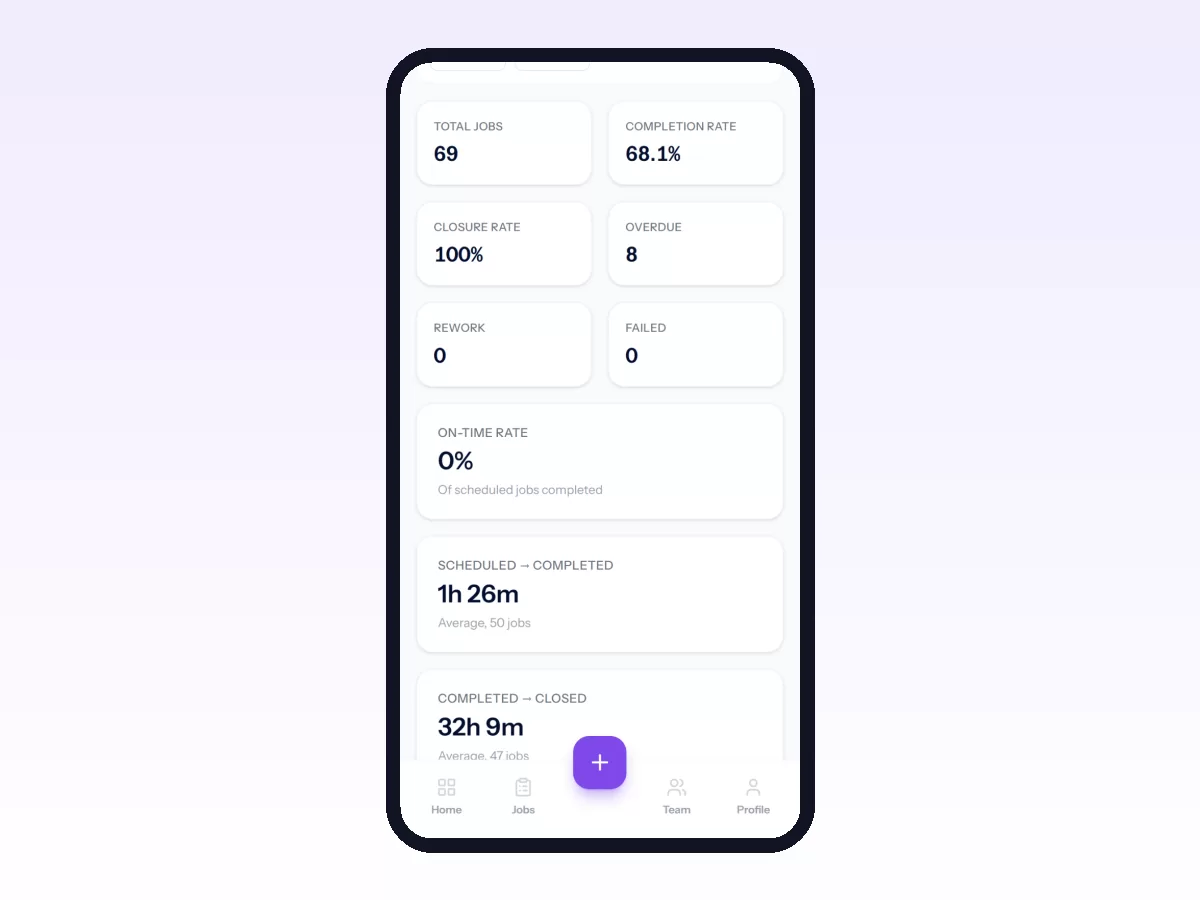
Movtro's reports cover jobs, workforce, customers, assets and checklist answers (one row per question answered on finished jobs). You can filter them by period and more, export them as CSV or PDF, save them, and schedule them to arrive by email. The analytics dashboard shows first-time fix rate, repeat visits, on-time performance against your arrival allowance, utilisation and job cost from parts. People see the reports their role allows: a field worker sees their own figures, and managers see the company's. The HR module has its own reports on headcount, payroll, leave, expenses and advances.
See field service KPIs, or start free.
Related: Daily Field Reports Managers Actually Read · Field Workforce Productivity: Metrics and KPIs · How to Build, Save and Schedule Reports