Mobile Field Service App: What Technicians Actually Need
Whether your system gets used comes down to the field app. This covers what technicians need from it, what they ignore, and how to tell a good field app from a poor one.
Field service software is only as good as the app in the technician's pocket. The office can have an excellent dispatch board, but if technicians find the app slow or fiddly they go back to phoning in, and the data never arrives.
What technicians need, in order
- Today's jobs, in order. They open the app and see the next job, the address and what it is, without searching.
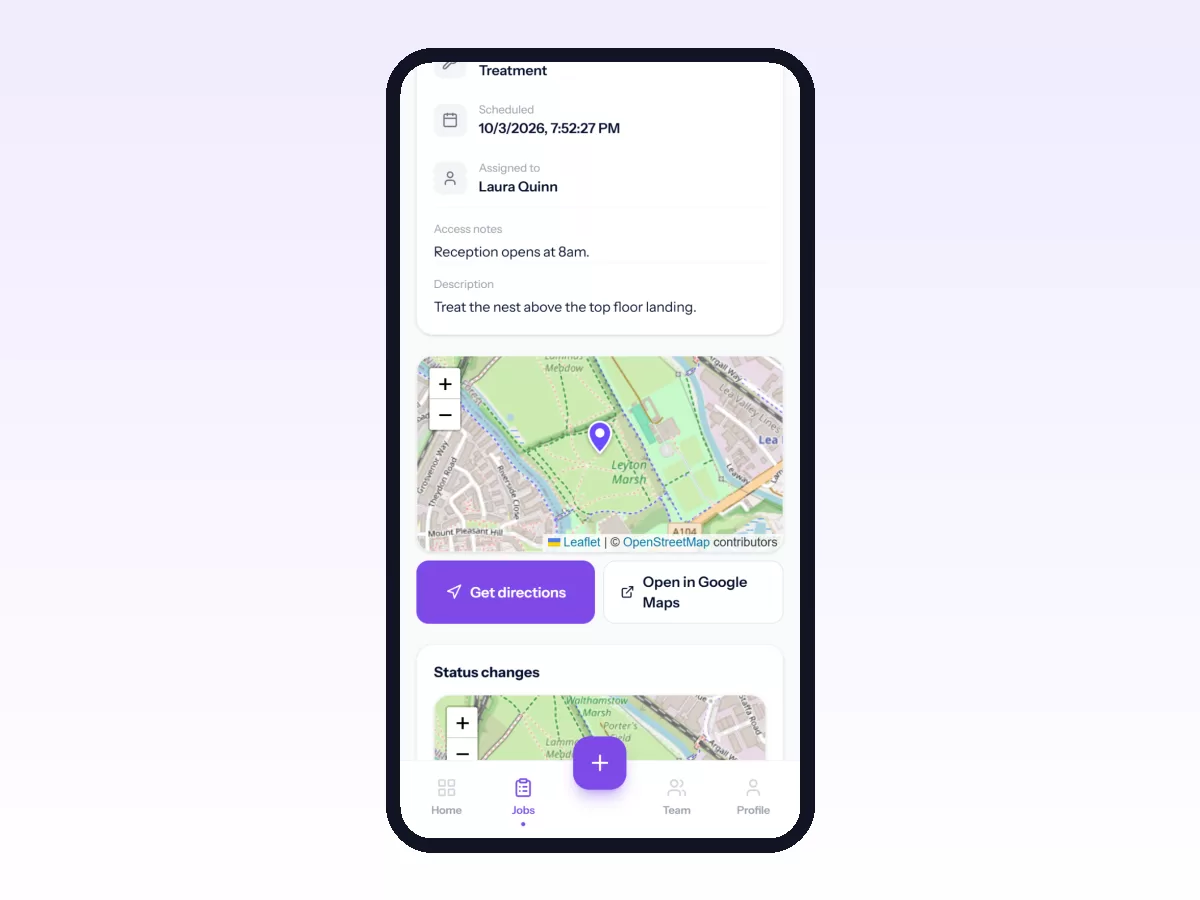
- Everything about the job: customer, site, contact, access instructions, equipment and its history, what is wrong, and anything the office noted.
- One tap to open the address in their own maps app.
- One tap each to move the job to travelling, started, on hold or completed.
- Recording as they go. Ticking the checklist, taking photos, adding a note, logging parts and getting the signature should each take seconds, one-handed.
- Working without signal in basements, plant rooms and rural sites. If the app stops there, the technician stops using it.
- Their own admin: clocking in and out, requesting leave, and submitting an expense with a photo of the receipt.
What technicians ignore
- Long forms with fields nobody reads.
- Screens designed for a desktop and squeezed onto a phone.
- Anything that needs typing where a tap would do.
- Notifications about everything, which teach them to ignore notifications.
Signs of a good field app
- It runs well on the oldest phone on your team.
- A new technician can complete a job after five minutes of training.
- Everything done on site works offline, and the app shows clearly what has not synced yet.
- It asks only for what the office uses.
See why offline mode is non-negotiable.
Rolling it out
Start with one habit: every job opened and closed in the app. Add photos and checklists in week two. Switch off the old channel, usually WhatsApp, on a set date. See how to replace Excel and WhatsApp.
In Movtro
Movtro's field app runs on Android and in any phone's browser, including iPhone, which has no native app yet. Technicians see their assigned jobs with the customer, site, equipment and access notes, and each stop opens in their maps app. They move jobs through your stages and answer checklists, where each step can be a tick, yes/no, a reading, text, a pick-list or a photo, and a group of questions can repeat when a visit covers several units. They add notes and photos, log parts from van stock, capture the customer's signature, and see the customer's service report on the job once the work is done.
Without signal they can still move jobs on, complete them, add notes and photos, answer checklist questions, and clock in and out. Changes sync in order when the connection comes back, with a clear sync status, and any that clash with the office's changes are held back for review. The same app handles attendance, leave, expenses, advances and payslips, and technicians are notified when a job is assigned to them.
See mobile workforce management, or start free.
Related: How Technicians Check In on Site and Complete a Job · Getting Movtro on Your Phone and Working Offline