Equipment and Asset Service History
Each machine you service should have its own history of visits, faults, parts and warranty. How to build that record, and what it tells you once it exists.
Ask most service businesses when a particular machine was last serviced, what was replaced and how often it has failed this year, and someone ends up digging through old invoices and a technician's memory. The information existed at some point. Nobody kept it against the machine.
An equipment service history is that record, built automatically as the work gets done.
What belongs in it
- What the machine is: make, model, serial number and where it is installed.
- Dates: installed, purchased, warranty expiry.
- Status: in use, under maintenance, retired.
- Every visit, with the date, technician, what was done and what was found.
- Parts fitted, with dates.
- Faults and problems reported.
- Photos and documents, such as manuals, certificates, and photos of the nameplate and installation.
Why it pays off
Faster diagnosis
If a technician can see the last three visits before arriving, they know the pressure has been dropping for months and that this is a leak rather than one more top-up. See first-time fix rate.
Repair or replace
When one unit has needed five visits in a year, its history makes the case for replacing it, whether to the customer or to your own finance team.
Warranty
If you know what is still under warranty, and until when, you avoid paying for work the manufacturer should cover. Warranty claims depend on serial numbers and install dates.
Repeat faults
When the same fault keeps coming back on the same machine, there is a root cause to find: a part, the way the machine is used, or a diagnosis that keeps missing something.
Customer trust
Customers who can see every visit to their equipment, and what was done each time, trust your service and renew the contract.
Building it without extra work
The history should come from the work itself:
- Record each machine once, when it is installed or first serviced.
- Attach every job to the machine as well as the site.
- Log parts on the job so they end up in the history.
- Record status changes when a machine is taken out of service, moved or retired.
If the history needs a separate step, people will skip it. If it comes from the job, it stays complete.
In Movtro
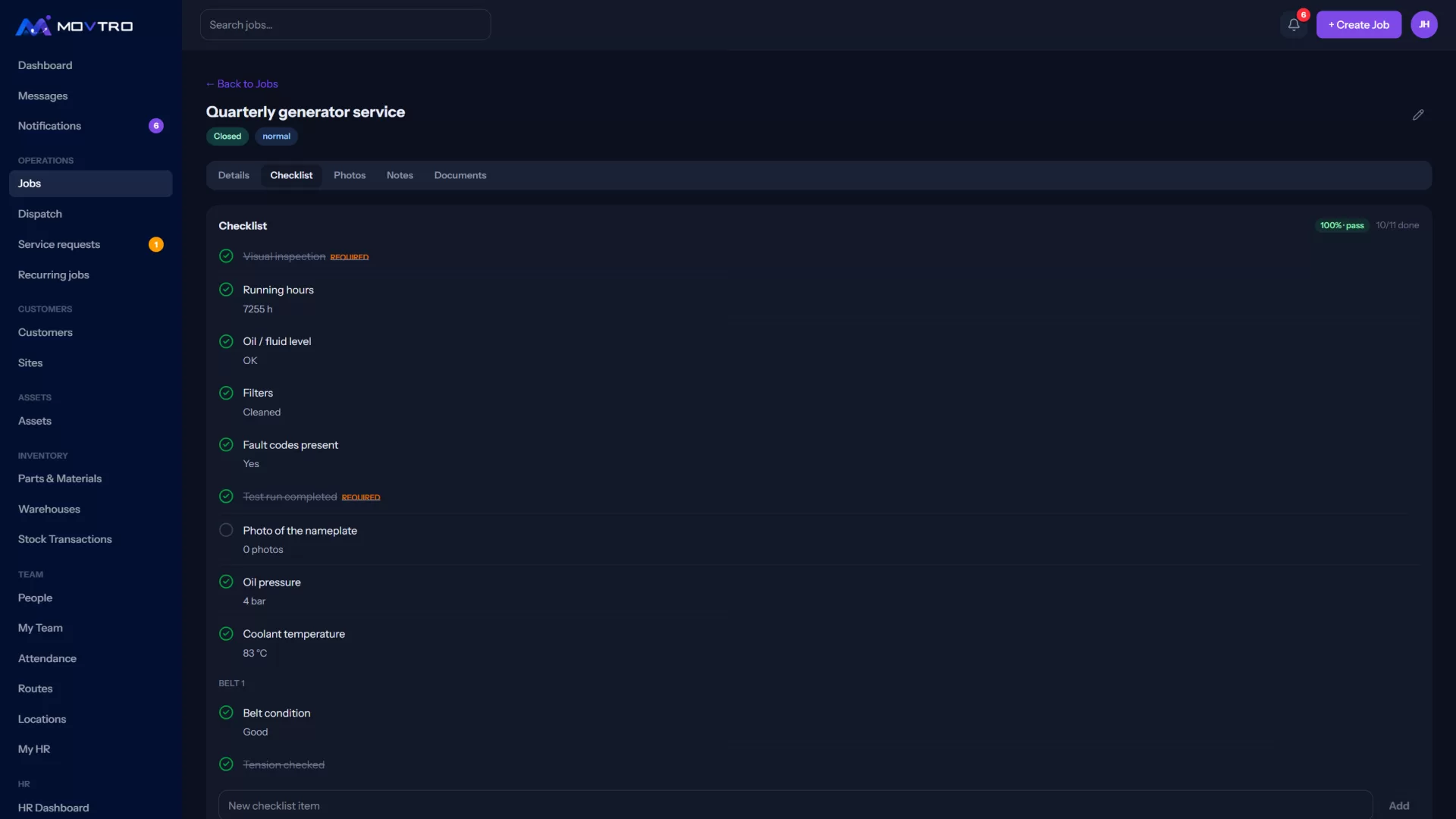
In Movtro each machine is an asset. It has a type, category, make, model, serial number, site, install and purchase dates, warranty provider and expiry, and a status: registered, installed, active, under maintenance, repair or retired. Every status change is recorded. Every finished job on the asset shows in its timeline with the work done and any problems reported, including visits that covered several assets at once. You can attach documents and photos to the asset, and parts logged on its jobs show what was fitted.
Recurring jobs keep preventive visits on schedule for each asset, and customers can see their own sites and assets in the portal.
See preventive maintenance software, or start free.
Related: Equipment Service Management: Running a Service Business on Other People's Machines · Solar Equipment Records: Panels, Inverters and Batteries · Medical Equipment Service Management · Construction Equipment Tracking: Records, Custody and Service · How to Add Assets and See Their Service History